
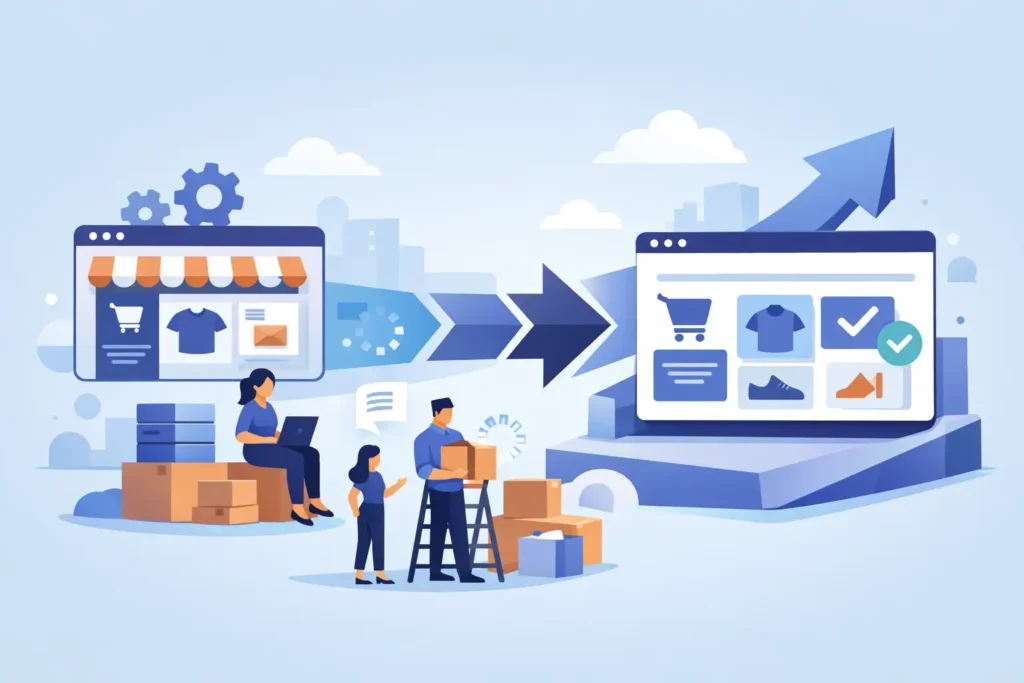
Most migration problems start long before any data is moved. They start when a merchant assumes platform migration is mainly a copy-and-paste job. It is not. If you are figuring out how to migrate to BigCommerce, the real work is deciding what deserves to come over, what should be cleaned up, and what needs to be rebuilt so the new store actually performs better than the old one.
That distinction matters because a migration can either fix operational problems or import them into a new platform with a nicer admin. BigCommerce is a strong fit for merchants who want a reliable SaaS platform, solid native features, and less day-to-day platform maintenance than many open-source setups. But the results depend on the migration plan, not just the platform choice.
How to migrate to BigCommerce without creating new problems
A good migration starts with an audit, not a theme. Merchants often want to jump straight into homepage layouts and design direction because that feels visible. The less glamorous work is what protects revenue. Before anything is built, you need a clear inventory of your catalog, customer data, order history requirements, apps, integrations, tax setup, shipping logic, discount rules, SEO assets, and any custom workflows your team relies on.
This is where a lot of agency projects go sideways. If no one is forcing decisions early, the migration drifts. Product data is messy, variant structures are inconsistent, old redirects are missing, and launch gets pushed because someone just realized the ERP connection was never scoped. A disciplined migration process prevents that.
The first question is not can your store move to BigCommerce. The first question is what your new BigCommerce store needs to do on day one. For some brands, that means preserving nearly everything, including customer groups, historical orders, complex product options, and B2B pricing structures. For others, migration is the chance to simplify a bloated store and stop carrying years of bad setup choices into the future.
Start with business requirements, not platform hype
BigCommerce can support a wide range of merchants, but the migration approach should match your business model. A DTC brand with 200 SKUs and straightforward shipping needs a very different plan than a B2B seller with customer-specific pricing, sales rep workflows, and account-based ordering.
Write down the workflows that cannot break. That usually includes checkout, payment processing, tax calculation, shipping rates, order notifications, fulfillment handoff, inventory sync, customer account access, and reporting. If your current store has hacks or manual workarounds, document those too. Sometimes they should be rebuilt properly. Sometimes they should be eliminated. Both decisions are useful.
This is also the point where trade-offs need to be addressed honestly. Not every app or custom feature from your current platform should be recreated. Some functions can be handled natively in BigCommerce. Some will require a different tool. Some are not worth the cost to rebuild. A candid migration plan saves money because it separates essential functionality from legacy clutter.
Clean your data before you move it
Bad data migrates very efficiently. If product titles are inconsistent, categories are duplicated, options are poorly structured, or image assignments are a mess, BigCommerce will not magically fix that on import.
Catalog cleanup should happen before migration mapping is finalized. Review product names, descriptions, SKU formats, option sets, variant logic, category structure, brand values, images, and any custom fields you plan to use. If you sell products with a lot of variation, spend extra time here. Variant and option architecture affects merchandising, filtering, and the customer experience.
Customer data needs the same discipline. Decide whether you need all customer records, only active customers, or segmented groups. Review address quality, customer group logic, and any account-specific pricing rules. For order history, the practical question is not whether it can be moved. It is whether it should be moved in full, partially archived, or handled through a separate reference system.
Design for the new platform, not the old one
A common mistake is trying to make the new BigCommerce store behave exactly like the old site in every detail. That usually leads to unnecessary custom work and higher long-term maintenance.
A migration is a rebuild on a new platform, even when the brand look stays familiar. The better approach is to preserve what matters to customers while taking advantage of how BigCommerce works best. That could mean simplifying navigation, improving product page structure, tightening mobile layouts, or reducing checkout friction instead of recreating every legacy design choice.
Theme selection and customization should come after requirements are clear. If your catalog or customer journey is complex, the right theme is the one that supports clean implementation and sensible editing, not the one with the flashiest demo. Merchants often underestimate how much time is lost forcing a poor-fit theme into a shape it was never built for.
Plan integrations early
Most serious migrations are not just store builds. They are systems projects. Your storefront may depend on an ERP, PIM, CRM, 3PL, email platform, subscription tool, search app, reviews platform, or custom middleware. If those dependencies are not reviewed upfront, launch risk goes up fast.
For each integration, define what data moves, how often, and what happens when it fails. That applies to inventory, pricing, orders, shipment tracking, customer records, and promotional data. Clarify whether the integration already supports BigCommerce well or whether custom work is needed.
This is one of the biggest differences between a smooth migration and a stressful one. If the project is run by someone who understands both the business process and the BigCommerce implementation details, decisions get made earlier and surprises are reduced. That matters more than flashy project language or a padded agency org chart.
Protect SEO before launch
If organic traffic matters to your business, SEO cannot be a post-launch cleanup task. Migrations often hurt rankings because URL structures change, redirects are incomplete, metadata is lost, or category pages are rebuilt without preserving search intent.
At a minimum, map existing URLs to their new destinations, preserve high-value metadata where appropriate, audit indexed pages, and identify content that should be retired rather than redirected blindly. Product and category pages deserve the most attention, but CMS pages matter too.
There is also a judgment call here. Some stores have years of thin content, duplicate pages, and low-value indexed URLs. A migration can be the right time to clean that up. The goal is not to keep every page alive forever. The goal is to preserve the pages that drive qualified traffic and revenue.
Test like you expect something to break
Every migration looks finished before it is actually ready. That is why testing needs structure. Do not stop at visual review. Run through real customer scenarios, edge cases, and back-office workflows.
Test product options, pricing logic, taxes, shipping methods, discount codes, checkout, transactional emails, payment capture, fraud settings, account creation, login flows, search behavior, filtering, mobile usability, and fulfillment handoff. If you support wholesale or B2B buyers, test those flows separately. They often expose issues that standard DTC testing misses.
Content entry and admin workflows deserve testing too. Your team has to manage the store after launch. If basic merchandising tasks are confusing or time-consuming, the migration is not truly successful.
Choose a launch strategy that fits your risk tolerance
There is no single right way to launch. Some stores can handle a clean cutover with a short freeze period. Others need a more controlled approach because of order volume, operational complexity, or integration timing.
The key is knowing what gets frozen, what gets re-synced, and who is responsible for each launch task. Catalog changes, customer updates, and open orders all need a plan. If the current platform remains active while the new site is being finalized, define exactly how final data will be reconciled.
This is where disciplined execution matters most. A migration should not feel chaotic on launch day. It should feel controlled, because all the decisions that create chaos were already handled earlier in the project.
What merchants usually underestimate
The hardest part of learning how to migrate to BigCommerce is not the import itself. It is the decision-making. Merchants underestimate how many small operational choices are hidden inside a migration. Which discounts still matter. Which apps are redundant. Which product structures are hurting conversion. Which internal habits are workarounds for a bad platform fit.
That is why senior-level guidance matters. You do not need more layers between you and the person doing the work. You need someone who can look at your store, your operations, and your goals and make practical calls before expensive rework starts. That is one reason merchants choose a specialist model like Duck Soup E-Commerce instead of a typical agency setup with handoffs and diluted accountability.
A BigCommerce migration should leave you with more control, cleaner operations, and a store your team can actually manage. If the plan is disciplined, the platform change becomes a business upgrade, not just a technical move.
The best time to make hard migration decisions is before you are forced to make them under launch pressure.
Sales in a slump?
Get instant access to the Conversion Boosting Self-Audit, proven to identify order-blocking issues on your website.
Plus, you'll get periodic tips, tools and exclusive offers designed to help grow your e-commerce business. Unsubscribe any time.
