
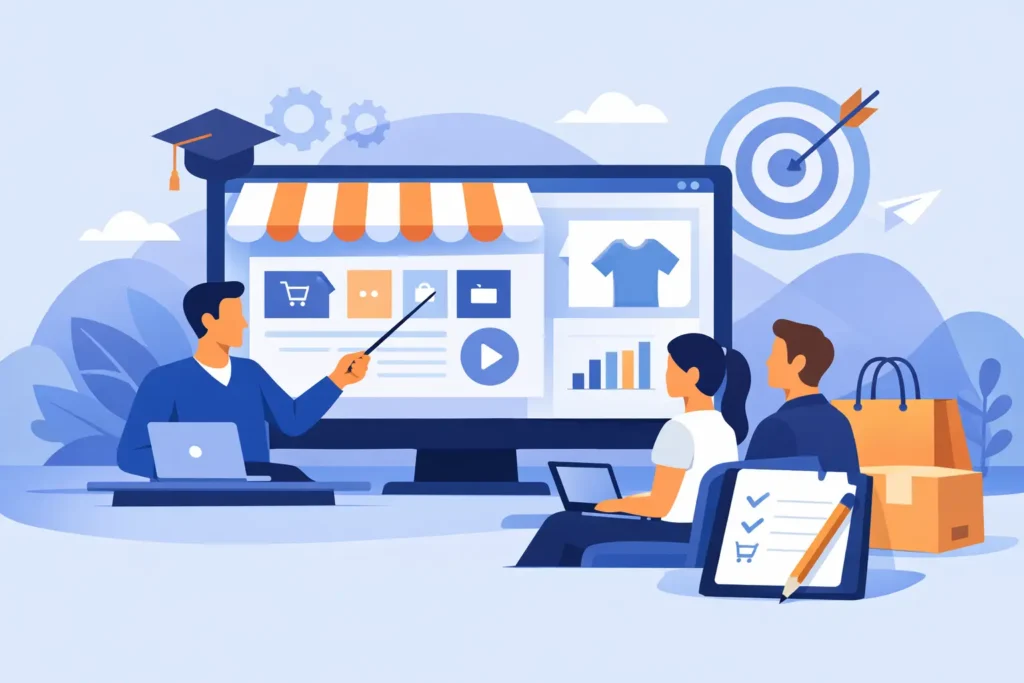
Most merchant training fails for one simple reason: it teaches the platform in the abstract instead of teaching your store, your workflow, and your team. BigCommerce training for merchants only works when it is tied to the decisions you need to make every day – catalog updates, promotions, fulfillment rules, customer groups, content changes, reporting, and troubleshooting when something breaks.
That sounds obvious, but plenty of merchants still end up in generic walkthroughs that leave them with more tabs open and more questions than answers. They know where the buttons are. They still do not know how to run the store with confidence. That gap matters, especially when you are launching, migrating, redesigning, or trying to clean up a store that has outgrown its original setup.
What merchants actually need from training
Good training is not a video library dumped on your team and labeled done. It is not a one-hour screen share where someone clicks through the control panel at top speed. And it is definitely not a vague promise that you can always “reach out later” when later usually means another invoice, another delay, and another person who was not on the original call.
Merchants need training that matches the way the business actually operates. A founder launching a first store has different needs than an operations manager taking over a catalog with 12,000 SKUs. A B2B merchant managing price lists and customer groups needs different guidance than a lifestyle brand focused on promotions, merchandising, and content updates. The platform may be the same, but the training should not be.
Practical BigCommerce training usually needs to answer a few specific questions. Who on your team is responsible for what? Which tasks should stay in-house, and which ones should be escalated? What can be standardized so routine changes do not become technical projects? And where are the risky areas where one small mistake can affect pricing, shipping, tax settings, or the storefront experience?
If training does not answer those questions, it is not really training. It is a tour.
BigCommerce training for merchants should be role-based
One of the biggest mistakes in platform education is treating the entire company like a single user. That creates confusion fast. Your marketing lead does not need the same level of access or instruction as the person handling product data. Your customer service manager may need to understand orders, customer accounts, and basic refunds, but not theme files or channel settings.
Role-based training makes the platform easier to manage because it narrows the focus. It helps each person learn what they need without burying them in settings they should not be touching in the first place. It also reduces mistakes. When everyone gets a broad, unfocused platform overview, people tend to experiment in places they do not fully understand.
For most merchants, there are a few common training tracks. Store admins need a strong grasp of settings, permissions, products, and operational workflows. Marketing users need confidence with content blocks, categories, on-page merchandising, promotions, and basic reporting. Operations teams need clean processes for orders, inventory behavior, fulfillment coordination, and exception handling. Leadership often needs less platform training and more clarity on what the system can support without adding custom development.
That is where experienced guidance matters. Training should help people stay in their lane while still understanding how the pieces connect.
The best training happens inside a real store
Sandbox examples have limits. They are fine for basic orientation, but merchants learn faster when training happens in the actual environment they will use after the call ends. That means working through the real navigation, real product structure, real shipping setup, real app stack, and real business rules.
Why does that matter? Because BigCommerce is not hard in a generic sense. It becomes hard when your store has exceptions. Maybe your product options are inconsistent because of a past migration. Maybe your navigation grew messy during a redesign. Maybe your promotions work, but only if one person on your team remembers the exact sequence. Those are not theoretical issues. They are daily operational friction.
Training inside the live store brings those issues to the surface. It gives merchants a chance to clean up workflows while they learn them. That is far more valuable than a polished demo that avoids the messy parts.
It also creates accountability. If the person leading the training cannot explain why your setup works the way it does, or whether it should be changed, that is a problem. Merchants do not need a presenter. They need someone who can teach and make judgment calls.
What good BigCommerce training for merchants covers
The right scope depends on the store, but strong training usually starts with the core systems that merchants touch constantly. Product and category management is one. If your team cannot add, update, organize, and merchandise products efficiently, everything slows down. That includes pricing updates, product options, images, bulk edits, inventory logic, and category behavior.
Order management is another. Teams need to know what happens from checkout through fulfillment, where status changes matter, how refunds and cancellations are handled, and where to look when an order does not behave as expected. This is especially important for stores with third-party integrations, custom workflows, or B2B requirements.
Content and promotional management usually comes next. Merchants need to be able to update banners, homepage content, category copy, sale messaging, coupon rules, and seasonal merchandising without turning every change into a support request. If routine marketing updates require developer help, your process is too brittle.
Then there is user access, reporting, and governance. These topics are not glamorous, but they matter. Teams need to understand permissions, what should be documented internally, and when a change should be tested before it goes live. Basic reporting also needs context. A merchant does not just need to know where reports live. They need to know which numbers are useful for actual decision-making.
For more complex stores, training may also include B2B Edition workflows, customer groups, pricing structures, faceted search behavior, app management, storefront components, or handoff procedures after a migration or redesign.
When training should happen
The timing matters more than most merchants expect. Training too early means people forget what they learned before they can use it. Training too late means the store is live and the team is making avoidable mistakes under pressure.
The best time is usually tied to a project milestone. For a new launch, training should happen after the key structure is in place but before the team is expected to manage the store independently. For a migration, it should happen once the new environment reflects real workflows, not during the phase when everything is still changing. For an existing store, training works best when it is attached to a cleanup, redesign, or operational reset rather than treated as a separate abstract exercise.
This is one reason fixed-scope working sessions can be more effective than open-ended training retainers. A focused block of time forces prioritization. It gives merchants visible progress and clearer outcomes. At Duck Soup E-Commerce, that practical structure tends to suit merchants who are tired of paying for meetings that do not move the store forward.
Signs your current training is not enough
If your team is afraid to touch the backend, your training is not working. If the same person becomes the unofficial translator for the platform because nobody else understands what they were shown, your training is not working. If simple updates keep getting delayed because no one is sure what might break, your training is not working.
Another sign is when merchants rely too heavily on agencies for routine tasks. There is nothing wrong with bringing in a BigCommerce expert for development, strategy, or higher-risk changes. But if your team cannot manage day-to-day store operations without outside intervention, you have a knowledge gap that will cost you time and money.
There is also a less obvious problem: false confidence. Some teams think they are trained because they sat through onboarding sessions, but their processes are still inconsistent and undocumented. They know enough to make changes, not enough to make them safely. That can be more dangerous than having no training at all.
Training should reduce dependency, not create it
This is the standard merchants should use when evaluating any BigCommerce training services for merchants. Does the training make your team more capable next week, or does it keep you dependent on the person delivering it?
The best training does not try to impress you with complexity. It makes the platform clearer. It identifies where your team can take control, where you need a tighter process, and where expert support is still the smart call. It respects your time and your operating reality.
That is especially important for merchants who have already been through a frustrating agency experience. If you have been bounced between project managers, junior developers, and disconnected support threads, you know how quickly context gets lost. Training works better when the person teaching understands the build, the business, and the trade-offs behind the setup.
A capable merchant team does not need to know everything. It needs to know what matters, what to leave alone, and what to escalate before a small issue becomes an expensive one. That is a much more useful goal than chasing platform fluency for its own sake.
The right training leaves your team calmer, faster, and more deliberate. That is the real benchmark.
Need training for your team? Contact me for a personalized plan.
Sales in a slump?
Get instant access to the Conversion Boosting Self-Audit, proven to identify order-blocking issues on your website.
Plus, you'll get periodic tips, tools and exclusive offers designed to help grow your e-commerce business. Unsubscribe any time.
