
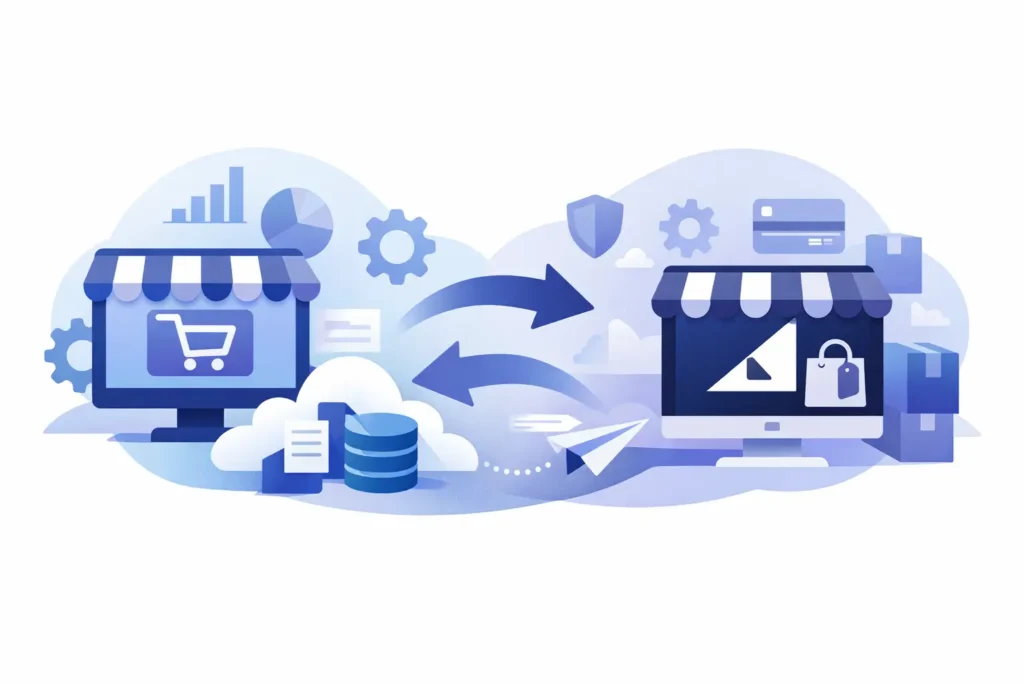
If your Volusion store feels harder to manage than it should, you’re not imagining it. A Volusion to BigCommerce migration is rarely just a platform switch. It’s usually a cleanup project, a UX project, a catalog project, and an operations project bundled into one decision. Merchants who treat it like a simple copy-and-paste job tend to pay for that later in broken data, weak SEO carryover, and launch-week chaos.
Why merchants start a volusion to bigcommerce migration
Most merchants do not migrate because they are bored. They migrate because the current setup is slowing down growth or making routine work too expensive in time and effort. That pressure usually shows up in a few ways.
Sometimes the problem is catalog management. Product options are clunky, category structure has become hard to maintain, or everyday merchandising tasks require too many workarounds. Sometimes it is design flexibility. You want a cleaner storefront, better mobile performance, or a buying experience that reflects the brand you have now, not the one you had five years ago.
For other merchants, the pain is operational. Marketing tools feel limited, integrations are awkward, or the admin experience creates too much dependence on developers for ordinary changes. BigCommerce tends to appeal in these cases because it gives merchants more control without forcing every change through custom code.
That said, a move only makes sense if the new platform actually supports the way you sell. If your business has B2B pricing rules, a high-SKU catalog, unusual shipping logic, or deeply embedded third-party systems, the right migration plan depends on those details. Platform fit matters, but execution matters just as much.
What a Volusion to BigCommerce migration actually includes
The biggest mistake merchants make is assuming the migration is about moving products and customers. Those are only part of it. A proper migration includes data, design, content, settings, functionality, and post-launch validation.
Products, categories, customers, order history, and basic content can often be exported and reformatted for import. But data fields do not always map neatly from one platform to another. Variant structure, product rules, image associations, custom fields, and category assignments often need review before import, not after. If the source data is messy, migration exposes that immediately.
Design is another area where assumptions create problems. BigCommerce is not Volusion with a different login. Themes, templates, and content structures work differently. Some storefront elements can be recreated directly. Others should be rebuilt to match current best practices rather than copied from an outdated store.
Then there are functional decisions. Shipping settings, tax setup, payment gateways, promotions, email flows, search behavior, faceted navigation, and app dependencies all need to be rebuilt or replaced. This is where merchants discover whether they are actually improving the business or just relocating old problems.
Start with an audit, not a theme
A lot of migration projects get derailed because the first conversation is about design. Design matters, but it should not be step one. Step one is an audit.
Before any build starts, you need to know what exists today, what is worth preserving, and what should be retired. That means reviewing product data quality, category logic, URL structure, page content, customer groups, discount rules, shipping methods, tax requirements, and every app or external system tied to the storefront.
This is also the moment to identify business-critical workflows. How are orders fulfilled? How are refunds handled? How do sales reps place B2B orders? Where do ERP, CRM, email, or inventory tools connect? If those answers are vague at the start, the migration timeline will almost certainly stretch.
A disciplined audit saves money because it prevents rework. It also protects the launch from surprises that should have been discovered before a single page was designed.
Data migration is where small mistakes become expensive
Clean data makes migrations feel organized. Dirty data makes them feel cursed.
In a volusion to bigcommerce migration, product data usually needs the most attention. You may have duplicate SKUs, inconsistent option naming, missing image alt text, bloated categories, or old products that should have been archived long ago. Moving bad data into a better platform does not create a better store. It just gives you a newer place to manage old messes.
Customer data also deserves care. Account details may transfer, but password handling, customer groups, tax exemptions, and B2B-specific rules need to be checked closely. Order history is another area where merchants need to make a practical decision. In some cases, importing historical orders is worth it. In others, preserving records externally is cleaner and less expensive.
The right answer depends on how your team uses that information day to day. Not every piece of legacy data belongs in the new store.
SEO needs a migration plan of its own
SEO is where rushed launches create avoidable damage. If your Volusion store has built up organic visibility, the move to BigCommerce needs a URL and redirect strategy before launch, not as a cleanup task afterward.
Start by identifying your highest-value pages. Category pages, product pages, brand pages, and key content pages should be mapped carefully to their new destinations. If URLs change, 301 redirects need to be in place on day one. Metadata, on-page copy, headings, image optimization, and internal linking also deserve attention during the rebuild.
You do not need to preserve every weak page exactly as it is. In fact, migration is often a good time to improve thin content and simplify bloated site architecture. But changes should be intentional. Cutting pages, merging categories, or rewriting copy without considering search impact can cost traffic fast.
A cleaner platform can improve technical SEO over time, but only if the migration respects what already performs.
Design should fix friction, not just look newer
A store redesign tied to migration is often the right move, but merchants should stay disciplined here too. New design is not automatically better design.
The goal is to reduce buying friction, support merchandising, and make the site easier to manage after launch. That may mean a stronger category structure, better search and filtering, cleaner product pages, or a more useful mobile navigation. It may also mean fewer decorative features and more focus on speed, clarity, and conversion.
If you are rebuilding, ask hard questions. Which parts of the current site actually help customers buy? Which parts exist because they were built years ago and never challenged? A migration is one of the few times you can reset those decisions without adding technical debt on top of technical debt.
App and integration decisions need adult supervision
This is the part many merchants underestimate. A platform migration can fail even when the storefront looks good if the systems behind it are shaky.
Every app, feed, connector, and automation should be reviewed. Some tools used on Volusion may not be needed on BigCommerce. Others may need a different implementation path. Payment, shipping, tax, reviews, subscriptions, ERP sync, inventory management, and email marketing all need testing in the new environment.
This is not exciting work, but it is the work that protects revenue. If abandoned cart flows stop firing, taxes are calculated incorrectly, or inventory sync breaks after launch, the problem is not cosmetic. It is operational.
How to keep the launch under control
Good migrations are usually quiet. That is the goal.
A controlled launch starts with a realistic timeline, a locked scope, and staged testing. Products should be spot-checked. Navigation should be tested. Checkout should be run repeatedly. Shipping methods, tax logic, transactional emails, form submissions, redirects, and analytics tracking all need validation before the domain cutover.
It also helps to define who owns decisions. Too many migrations stall because five people are giving feedback on every detail while nobody is accountable for trade-offs. Direct ownership matters. So does working with someone who can actually execute the work instead of passing requirements through layers of project management.
That is one reason some merchants prefer using a BigCommerce expert over a traditional agency build. With Duck Soup E-Commerce, for example, merchants work directly with a senior BigCommerce specialist from start to finish, which cuts out the usual handoff problems and keeps decisions tied to actual execution.
When a migration is worth it – and when it is not
Not every business needs to move immediately. If your current store is stable, your team is efficient, and platform limitations are minor, migration may not be your best near-term investment. Replatforming always carries cost, risk, and internal effort.
But if the current platform is blocking growth, creating daily workarounds, or making routine changes harder than they should be, delay has a cost too. The longer a weak system remains in place, the more process debt builds around it.
The smart question is not whether migration sounds attractive. It is whether the business case is clear. If BigCommerce gives you better operational control, easier merchandising, stronger customer experience, and a cleaner path for future growth, then the project can pay for itself. But that only happens when the migration is scoped honestly and executed with discipline.
A better platform helps. A better plan is what gets you there.
Sales in a slump?
Get instant access to the Conversion Boosting Self-Audit, proven to identify order-blocking issues on your website.
Plus, you'll get periodic tips, tools and exclusive offers designed to help grow your e-commerce business. Unsubscribe any time.
