
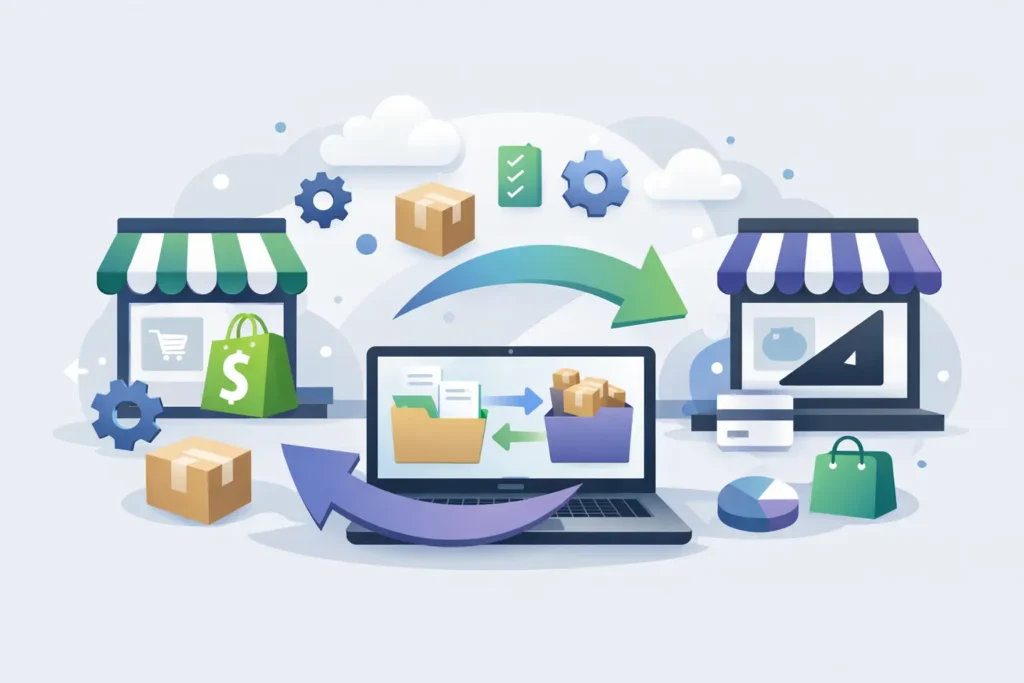
Most Shopify stores do not leave because they woke up craving a new dashboard. They leave because the workarounds keep piling up, the app stack keeps growing, and simple operational changes start feeling expensive. A Shopify to BigCommerce migration usually starts there – not with platform curiosity, but with friction that is costing time, margin, or control.
If you are considering a move, the right question is not whether BigCommerce is better in the abstract. The question is whether it is a better fit for how your business actually sells. That includes your catalog structure, your merchandising needs, your B2B requirements, your checkout expectations, and how much complexity you are willing to manage after launch.
When a shopify to bigcommerce migration makes sense
This move tends to make sense when a merchant has outgrown the simplicity that made Shopify attractive in the first place. That does not mean Shopify is a bad platform. It means the trade-offs can get sharper as a business matures.
For some brands, the issue is app dependence. A store starts with a lean setup, then grows into a patchwork of subscriptions handling product options, search, promotions, subscriptions, wholesale, shipping rules, and storefront customization. That can work for a while. It can also create a fragile operating model where every change touches three other systems.
For others, the pressure comes from B2B or more complex merchandising. BigCommerce tends to appeal to merchants who want stronger native functionality, more flexibility in certain catalog and pricing scenarios, and a platform that can support both DTC and wholesale without feeling like a workaround.
The key point is this: a migration is justified when it removes real business friction. If your current store is stable, profitable, and easy to manage, moving platforms may create more disruption than value. If your team is constantly compensating for platform limits, the move deserves serious consideration.
What actually changes in a Shopify to BigCommerce migration
Merchants often assume migration is mostly about moving products, customers, and orders. That is the easy part. The harder part is translating how the store works.
Your product data may need restructuring. Shopify variants, options, and metafields do not map perfectly to BigCommerce. Collections behave differently from categories. Discount logic, shipping rules, tax setup, and URL structures all need review. If you sell with subscriptions, bundles, custom product fields, or B2B pricing, those details matter even more.
Then there is the storefront. A theme does not come over. It gets rebuilt or reinterpreted. That is not a flaw in the process. It is reality. A migration is not a copy-and-paste event. It is a rebuild of the customer experience on a different platform architecture.
This is also where many projects drift off track. Merchants think they are buying data transfer, but what they actually need is decision-making. Which functionality should be replicated exactly? Which should be improved? Which app-based behaviors should be retired instead of carried over?
The biggest migration mistakes
The most common mistake is treating all existing functionality as essential. It usually is not. Stores collect technical baggage over time. A migration is the moment to clean that up, not preserve it forever.
Another mistake is underestimating dependencies. A theme feature may rely on app data. An app may affect SEO content. A checkout message may be tied to a shipping rule. If nobody maps those relationships early, surprises show up late, when they are expensive.
The third mistake is skipping operational review. A store is not just a storefront. It is also fulfillment workflows, tax settings, payment gateways, customer groups, email triggers, analytics, and internal team processes. If those are handled as afterthoughts, launch week gets messy fast.
How to plan a Shopify to BigCommerce migration
Start with an audit, not a theme demo.
You need a clear inventory of what exists today: products, variants, collections, redirects, blogs, pages, apps, integrations, customer groups, order workflows, and any custom logic. Then separate those items into three buckets: must keep, should improve, and can drop.
That sounds basic, but it changes the entire project. It keeps the migration focused on business priorities instead of nostalgia for old configurations.
After that, define the future-state store in practical terms. What does the catalog structure need to support? How should promotions work? Do you need wholesale pricing, quote workflows, or shared catalogs? Which integrations are mandatory on day one, and which can wait until after launch?
At this stage, a disciplined specialist is worth more than a large agency team that adds meetings and hand-offs. Migrations succeed when someone is making smart calls, documenting scope clearly, and keeping the work tied to outcomes instead of noise.
Data, design, and SEO need equal attention
A lot of migration conversations lean too heavily toward design. That is understandable. The storefront is visible. But data quality and SEO continuity often matter more in the first 90 days.
Product data should be cleaned before import, not fixed afterward. Duplicate fields, messy option structures, missing image assignments, and inconsistent product types only get harder to untangle once the new store is live.
SEO needs a concrete plan. That includes URL mapping, redirects, metadata review, image handling, and content migration. If your Shopify site has built authority, careless URL changes can cost traffic and revenue. Not every ranking dip is avoidable during a replatform, but a lot of damage is preventable with good planning.
Design matters too, but it should serve conversion and maintainability. Rebuilding every visual detail from the old store may not be the best use of budget. Often, the smarter move is to preserve the brand experience while simplifying what is hard to manage.
What to expect during launch
A clean launch is rarely about speed alone. It is about controlled sequencing.
The final stretch should include content checks, product QA, shipping and tax testing, discount testing, payment validation, mobile review, redirect implementation, analytics setup, and order-flow testing. If you run B2B alongside retail, test both experiences thoroughly. Problems usually appear in edge cases, not homepage screenshots.
You should also expect a short stabilization period after launch. That is normal. Teams notice missing edge-case content, merchandising tweaks, search behavior issues, or admin workflow questions once real traffic hits the site. The goal is not pretending launch day will be perfect. The goal is launching from a position of control, with enough support to fix issues quickly.
Cost, timeline, and trade-offs
A Shopify to BigCommerce migration can be straightforward or highly involved. It depends on catalog complexity, custom functionality, design expectations, integrations, and how much cleanup is needed before anything moves.
If your store has a standard DTC setup with limited customization, the path is shorter. If you have custom product logic, multi-layered discounts, wholesale needs, ERP connections, or a large content footprint, the project gets more demanding.
This is where blunt planning helps. A lower upfront budget often means more compromise on QA, functionality review, or launch support. That can create hidden costs later. On the other hand, not every merchant needs an overbuilt project. The right scope is the one that protects revenue and operations without turning migration into a vanity exercise.
For merchants who want direct accountability instead of agency sprawl, working with a specialist can keep scope tighter and communication cleaner. That is one reason brands come to Duck Soup E-Commerce. They want senior-level execution, clear decisions, and visible progress instead of being passed across a project team.
Should you migrate now or wait?
If your Shopify store is creating daily friction, waiting usually has a cost. Teams often normalize platform pain because they are used to it. But extra app spend, manual workarounds, admin inefficiency, and conversion obstacles add up.
Still, timing matters. Do not migrate in the middle of your peak season unless the current situation is already hurting revenue badly enough to justify the risk. The better window is when your team has enough bandwidth to review requirements, test properly, and make decisions without panic.
A good migration is not about escaping one platform. It is about building a store that is easier to run, easier to grow, and less expensive to fight with every week. If that is the real goal, the move tends to pay off long after the launch checklist is done.
Want a BigCommerce expert to help with your migration? I’ve helped dozens of merchants make the move:

Learn more about my Shopify to BigCommerce migration services >
Sales in a slump?
Get instant access to the Conversion Boosting Self-Audit, proven to identify order-blocking issues on your website.
Plus, you'll get periodic tips, tools and exclusive offers designed to help grow your e-commerce business. Unsubscribe any time.
